



Omnitrix Simulator – Official Alien Transformation Device
Our flagship Omnitrix Simulator brings the iconic alien transformation device to life in your hands. Designed for fans who want authentic role-play action, this replica features motion-activated transformation sequences, over 100 authentic sound effects from the series, and light-up alien symbol displays.
Whether you're selecting your alien form or battling imaginary foes, the simulator responds to your wrist movements and touch commands. We've engineered every detail to mirror the on-screen experience, from the rotating faceplate to the signature activation sequence that made the Omnitrix legendary.
- Motion-activated transformation sequences with authentic series sounds
- 100+ voice lines and sound effects from the original series
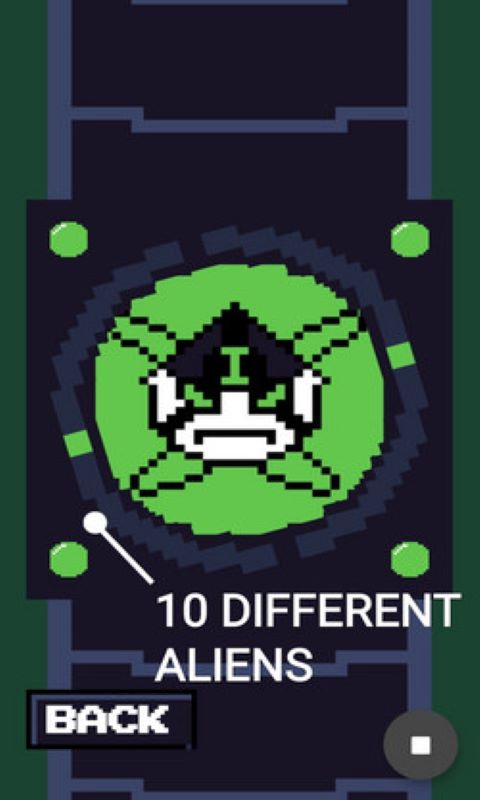
- Light-up alien symbol display with 10 selectable hero modes
- Adjustable wrist strap fits ages 6 and up (5.5" to 8" wrist circumference)
- Durable ABS plastic construction withstands active play
Transformation Features & Controls
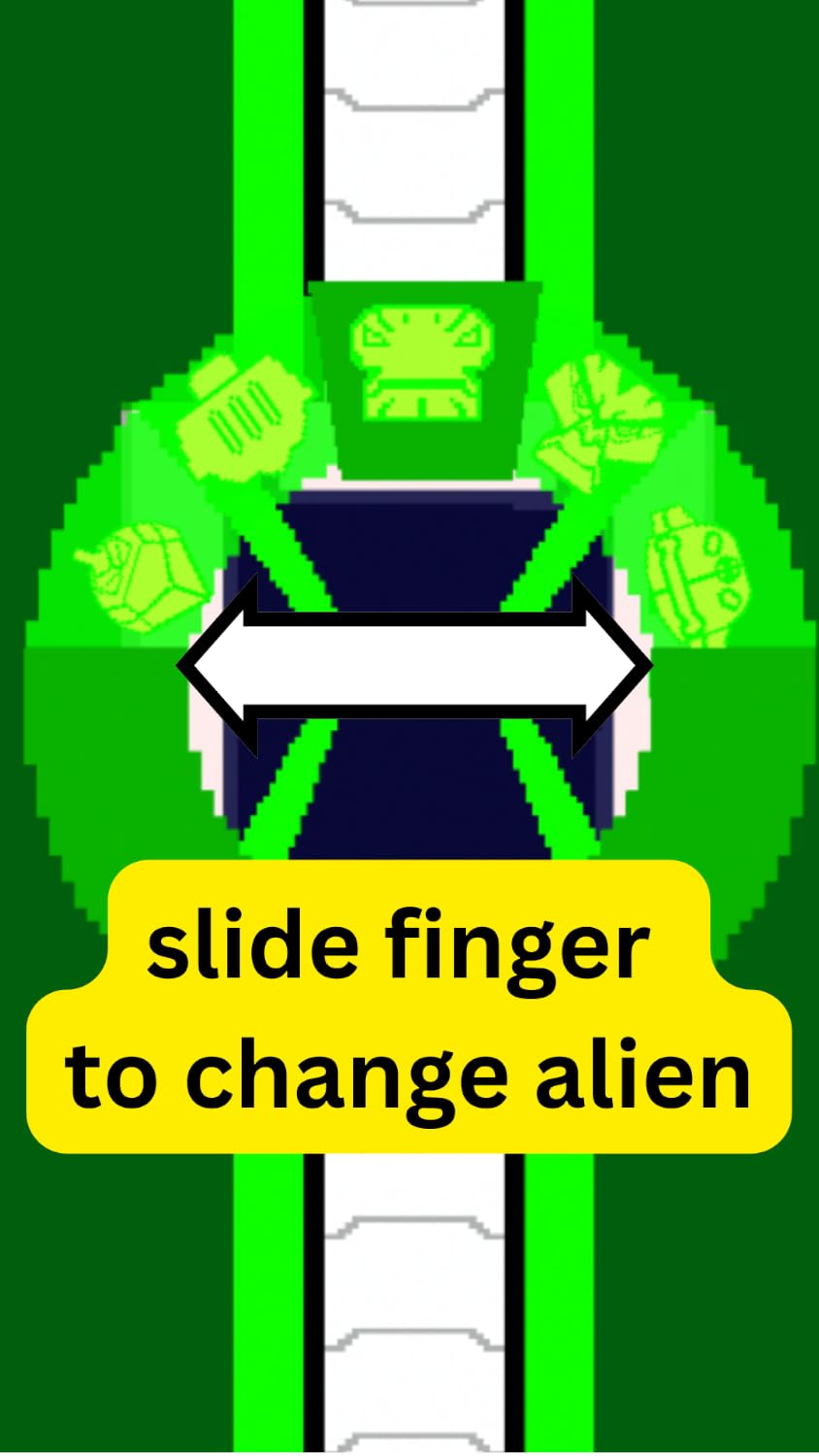
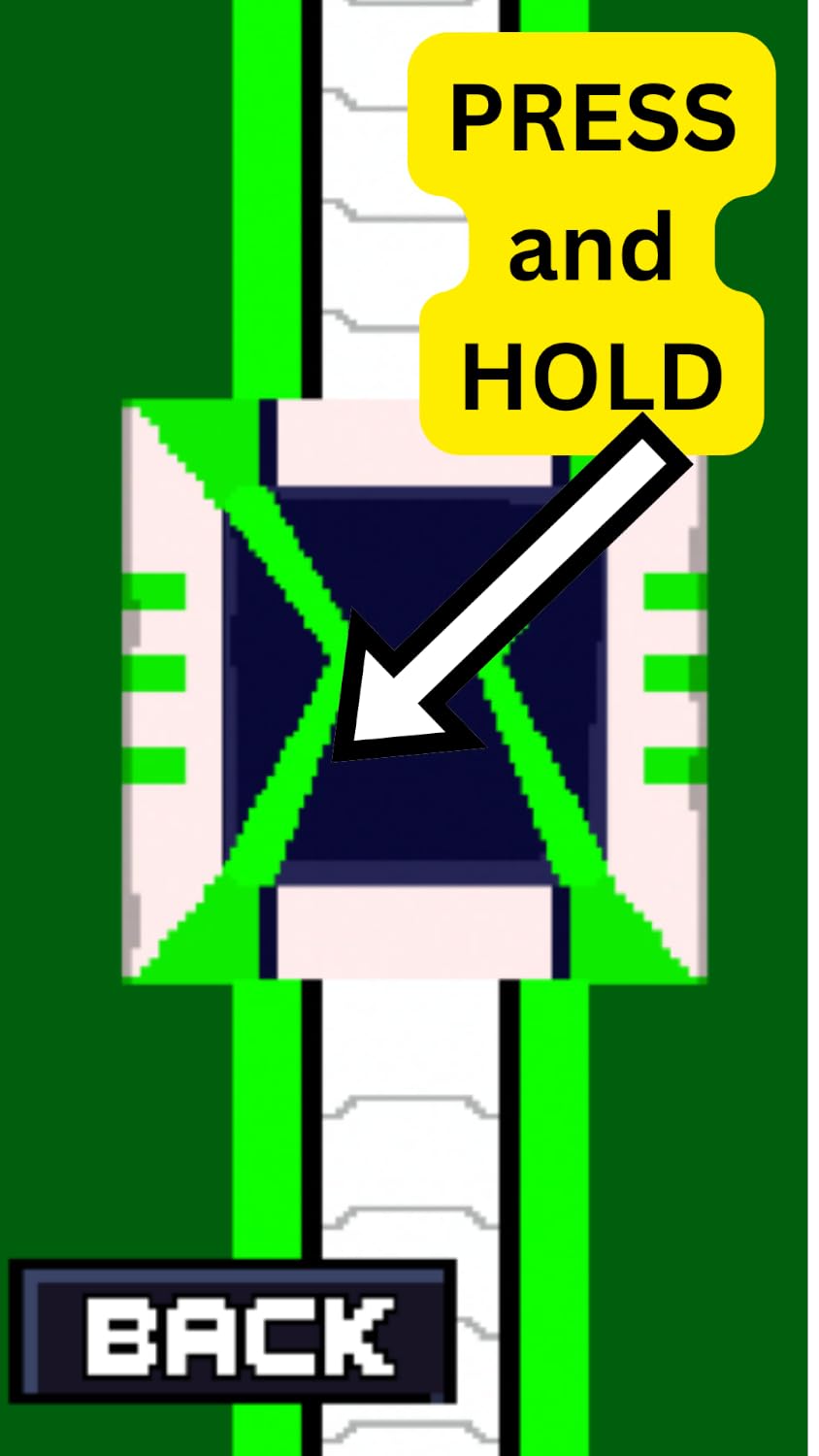
The omnitrix simulator responds to three distinct activation methods that mirror the device from the series. Rotate the faceplate clockwise to scroll through available alien forms, tap the central core button to select your transformation, and raise your wrist sharply upward to trigger the full sequence with lights and sound.
Each of the 10 pre-programmed alien modes includes its own unique activation sound, symbol display, and voice lines. The device stores these sequences in high-quality digital audio that plays through a built-in speaker with surprisingly robust volume for indoor and outdoor play.
Construction & Durability Specifications
Our engineering team built the omnitrix simulator from impact-resistant ABS plastic with reinforced stress points at the wrist strap attachment and faceplate hinge. These are the two areas that take the most abuse during active play, so we’ve added internal metal pins and doubled the plastic thickness.
The adjustable strap uses a ratcheting buckle system with 8 sizing positions. This design accommodates growing wrists without the wear issues you’d see with Velcro or elastic bands. The strap material is a flexible TPU that resists cracking even after hundreds of fastening cycles.
Power Supply & Battery Life
The simulator runs on three standard AA batteries that slot into the rear compartment beneath the wrist strap. We’ve optimized power consumption to deliver 20-25 hours of active play time on fresh alkaline batteries.
The device includes an auto-sleep function that powers down after 3 minutes of inactivity. A quick tap on any button instantly wakes the simulator without losing your selected alien or mode settings. An LED indicator on the side panel flashes red when battery power drops below 15%, giving you advance notice before complete shutdown.
More Alien Hero Gear


What people are saying

Questions About the Omnitrix Simulator
The adjustable strap accommodates wrist circumferences from 5.5 inches to 8 inches across its 8 ratcheting positions. This range typically covers ages 6 through adult, though individuals with particularly large wrists may find the largest setting snug.
The strap extends beyond the buckle by about half an inch at maximum extension, and we've reinforced the final two holes with extra stitching since larger users tend to stress those positions. If you're between sizes, the TPU material has slight give that provides comfort without feeling loose.
The omnitrix simulator uses proprietary firmware with pre-loaded audio that cannot be modified or replaced by users. The sound library is permanently stored in the device's internal memory chip and is not accessible via external connections or software.
We've designed the 100+ included sounds to provide extensive variety across all 10 alien modes. Each transformation, idle state, and activation sequence has multiple audio variations to prevent repetitive gameplay. Future versions may include expandable memory, but the current model prioritizes durability over customization features.
Transformation requires three steps: rotate the faceplate to scroll through alien symbols until your desired character appears, press the central core button once to select that alien, then raise your wrist sharply upward in a quick motion. The motion sensor detects this movement and triggers the full light and sound sequence.
If the transformation doesn't activate, ensure you're moving your wrist quickly enough. The sensor requires a deliberate upward motion of at least 6 inches within half a second. Gentle or slow movements won't register as intentional activations.
The simulator is splash-resistant but not waterproof or submersion-safe. It handles rain, sweat, and accidental spills without issue, but you should remove it before swimming or bathing.
The electronic compartment has rubber gasket sealing that protects against moisture intrusion during normal play. However, the speaker grille and button seams are not designed for underwater pressure. If the device does get wet, remove the batteries immediately and let it dry completely for 24 hours before reinstalling power.
Classic Mode plays the original series transformation sounds and alien voice lines from the first three seasons. Ultimate Mode features evolved alien sounds and phrases from later series episodes, with deeper voice processing and more intense battle effects.
You can switch between modes by holding down the core button for 3 seconds while the device is in standby. A confirmation chime indicates the mode change. Your selected mode persists even after the auto-sleep function activates, so you won't need to reset your preference each play session.
Yes, the three shortcut buttons below the faceplate can be programmed with your favorite aliens. To set them, navigate to your desired alien using the rotation method, then hold one of the shortcut buttons for 2 seconds until you hear a confirmation beep.
This feature is particularly useful for kids who have favorite characters they use repeatedly. Instead of scrolling through all 10 options, they can instantly jump to their top three with a single button press. The programmed selections save even when batteries are removed.
First check that the volume isn't set to mute or the lowest setting by pressing the volume button on the side panel. If volume is adequate, remove and reinstall the batteries to reset the audio processor.
If sound still doesn't play after a power cycle, check for debris in the speaker grille on the underside of the device. A soft brush or compressed air can clear dust that sometimes blocks the tiny speaker holes. In rare cases where audio failure persists, the device may have a hardware defect covered under our standard warranty.